
01
The whole herd, one glance.
Browse workspaces, tabs, panes, and worktrees in one place. Agent status shows who is working, idle, done, or waiting for you.
Explore agent awarenessHerdr keeps the terminals alive. Herdr.World observes local and SSH hosts together in Town, Board and Desk, with Spaces for focused terminal work. Hosts filters the overview while terminals, files, changes and history retain their owning host.
Requires a running Herdr server.
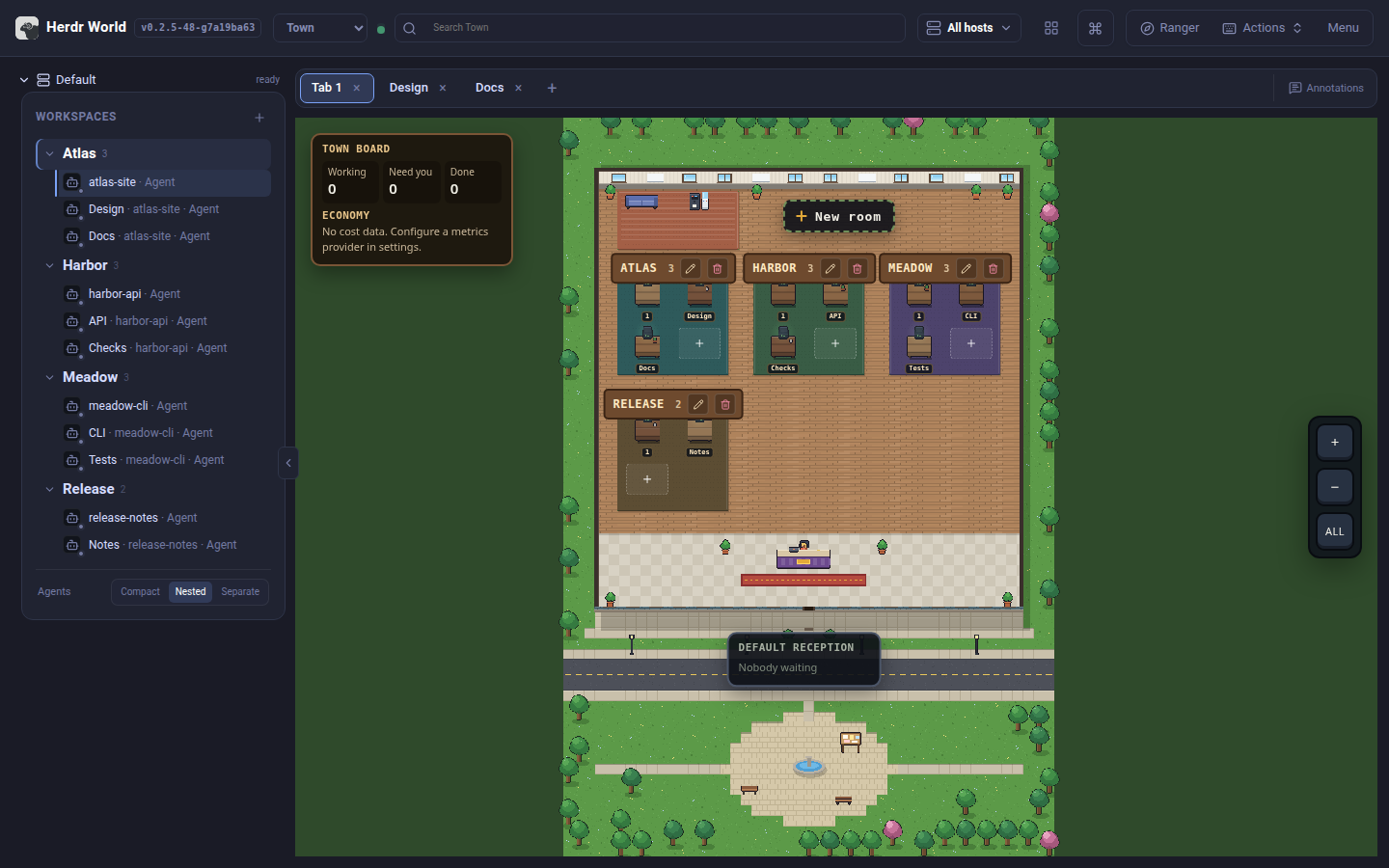
Meet Town
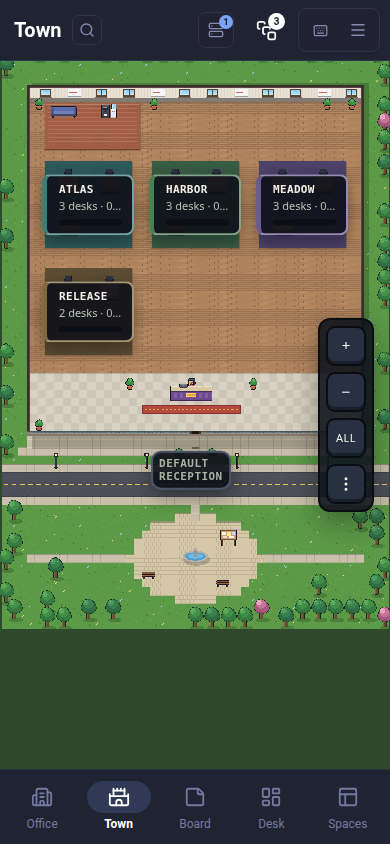
Town brings your agents into one place. Working agents stay at their desks; agents waiting for your input gather at reception.
Select an agent to read its latest messages, answer a question or send a reply. Open its terminal, files, changes or history when you need the full context. Zoom from the whole town to a single desk.
Explore Town →Meet Board
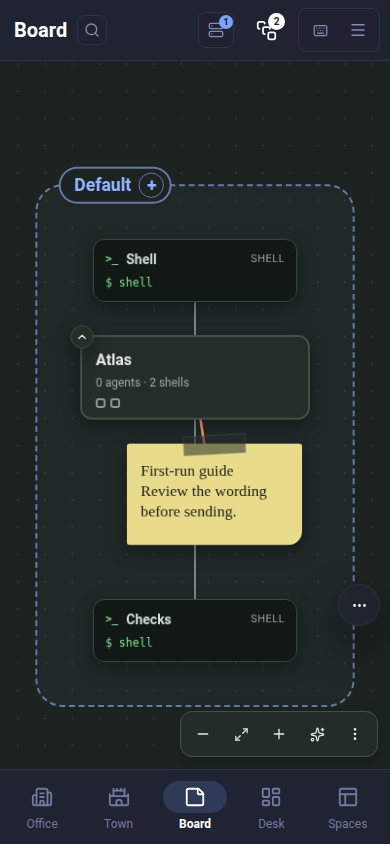
Hosts are zones, workspaces are cards and tabs sit around them. Keep your own notes alongside the live layout.
Drag cards, fold a workspace or tidy its layout. String a note to a workspace, tab or exact agent pane; send it only when ready. Use Desk for an attention queue and Spaces for focused terminal work.
Explore Board →Ready when the next task starts
Choose one installer, then run herdr-world and open the
URL it prints. Homebrew covers macOS and Linux; npm also covers
Windows with Node.js 22.14+. The standalone script works on macOS
and Linux. Herdr is installed separately.
A control room, not another dashboard
Move from a waiting agent to the exact file, diff, or transcript without reconstructing context across terminal windows.
Browse workspaces, tabs, panes, and worktrees in one place. Agent status shows who is working, idle, done, or waiting for you.
Explore agent awarenessFull terminal streaming with split panes, scrollback, multiline paste, clickable links, file previews, and IME-safe input.
Inspect changed files, annotate exact lines, preview Markdown, and send compiled feedback back to an agent pane.
Create, open, update, and safely remove linked Git worktrees while preserving the source checkout and its dirty files.
Everything stays connected
Files, changes, terminals, and session history share the same active workspace, so every view starts in the right place.
Find agents waiting at reception, read their latest messages and open the exact terminal, files or changes.
From daemon to dashboard
Herdr.World connects your browser to the Herdr runtime you already use. Your agents still live in real terminal sessions owned by Herdr.
Start the coding agents you already use. Herdr owns their terminal sessions, even when your browser or laptop disconnects.
Run one World service on your computer. It connects to local or SSH Herdr hosts and serves the browser UI, terminals, files, Git operations, and session records from one origin.
Open the printed URL from desktop or mobile. Install it as a PWA for a focused, app-like control surface.
The control room travels
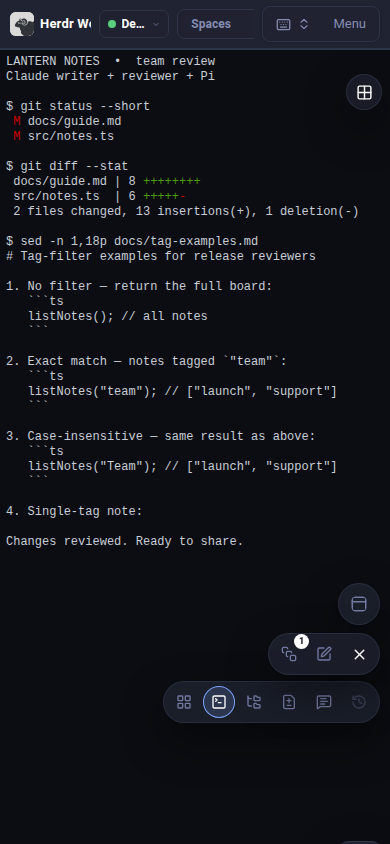
Check a blocked agent from the train. Find its host and space, then open the same live terminal without opening your laptop.
Built for real repositories
Messages, metadata, search, raw transcripts, and ATIF export for supported agents.
Attach comments to diff lines, source gutters, or rendered Markdown passages.
Create, open, update, and remove linked worktrees with optional Paseo hooks.
Use SSH profiles for remote Herdr servers while keeping files and Git operations aligned.